![Logo.png]](https://knowledgebase.mycomply.net/hs-fs/hubfs/Logo.png?height=40&name=Logo.png)
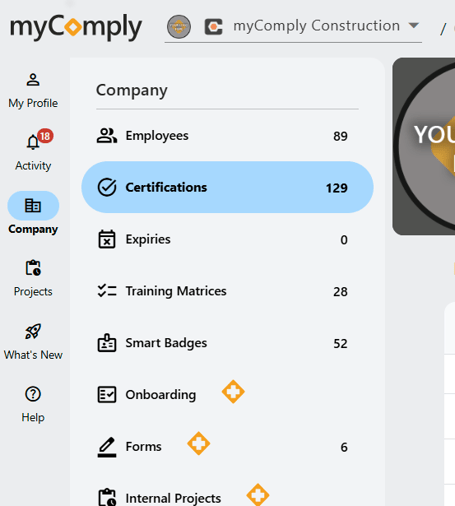
1) Navigate to Company > Certifications.
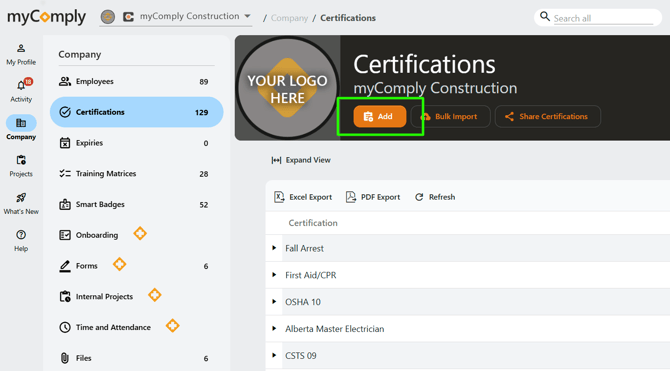
2) To add a new certification, click the orange "Add" button.
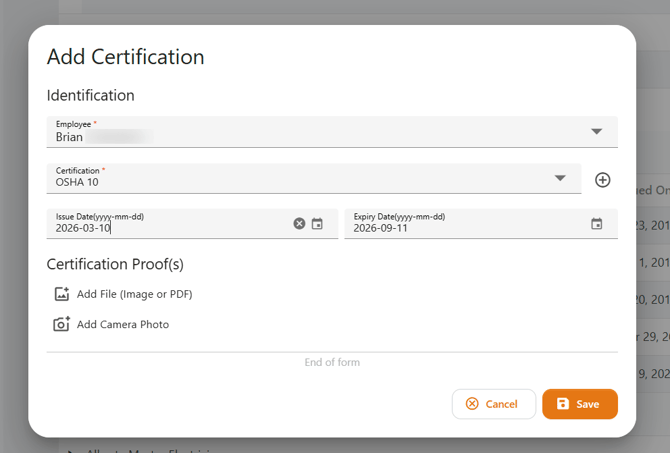
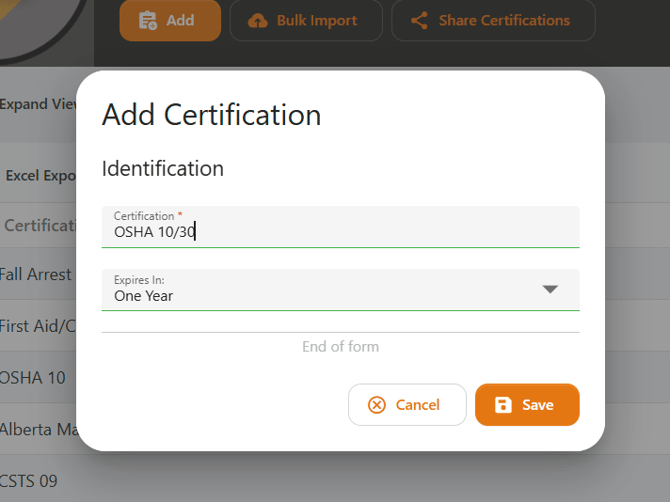
3) Add the name of the certification, then an expiry date (if applicable).
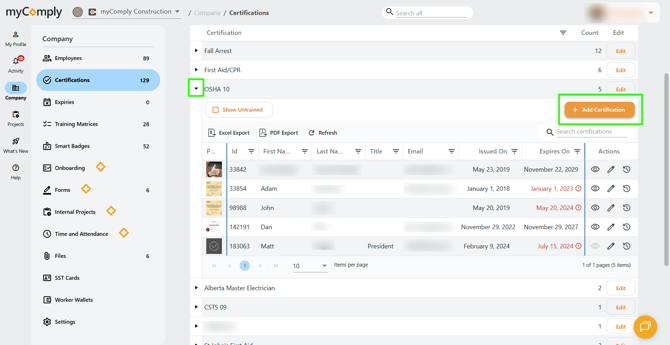
4) Once a certification requirement has been added, you can upload proof of certification for a specific worker. Click to expand the dropdown, then select "+ Add Certification".