![Logo.png]](https://knowledgebase.mycomply.net/hs-fs/hubfs/Logo.png?height=40&name=Logo.png)
Repeating sections can be used for incident report forms, audits, or any form where there are multiple entries needed with the same questions.
There are two ways to create these repeating sections, a List or a Table.
Creating a List Section in a form
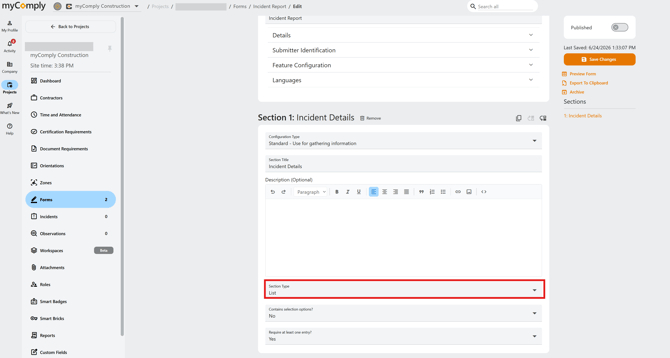
1) Change the section type to List:
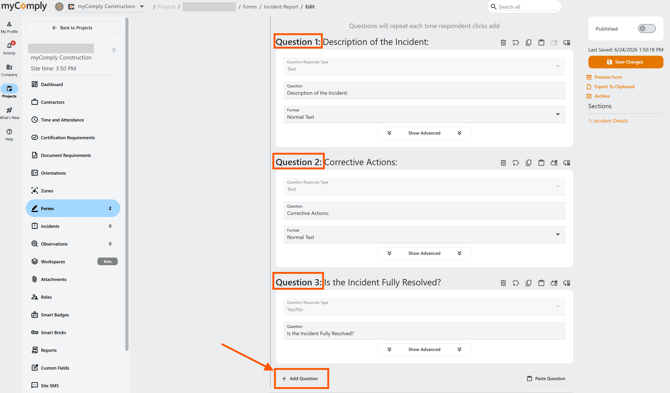
2) Click "Add Question" to add as many questions as you need to the repeating list:
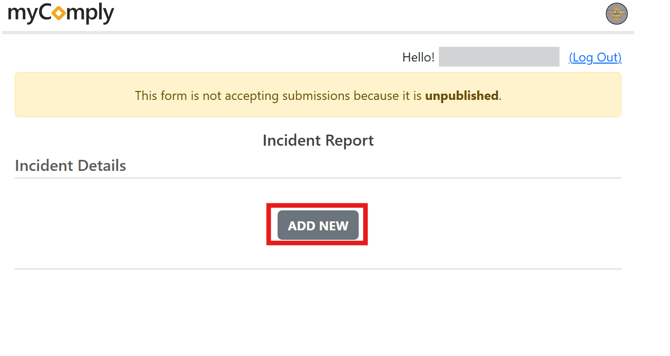
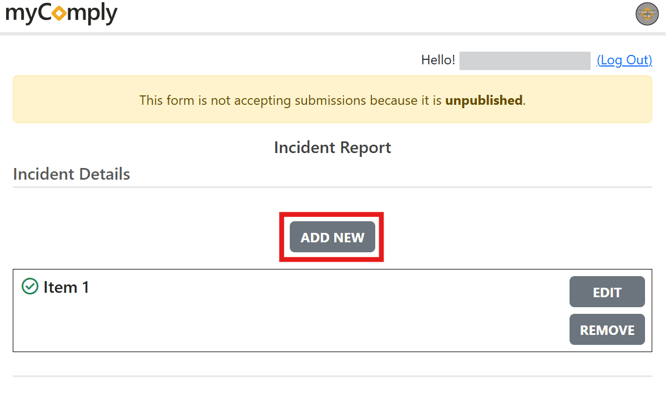
3) When filling out this section of the Form the submitter will click "Add New" each time these questions need to be filled out:
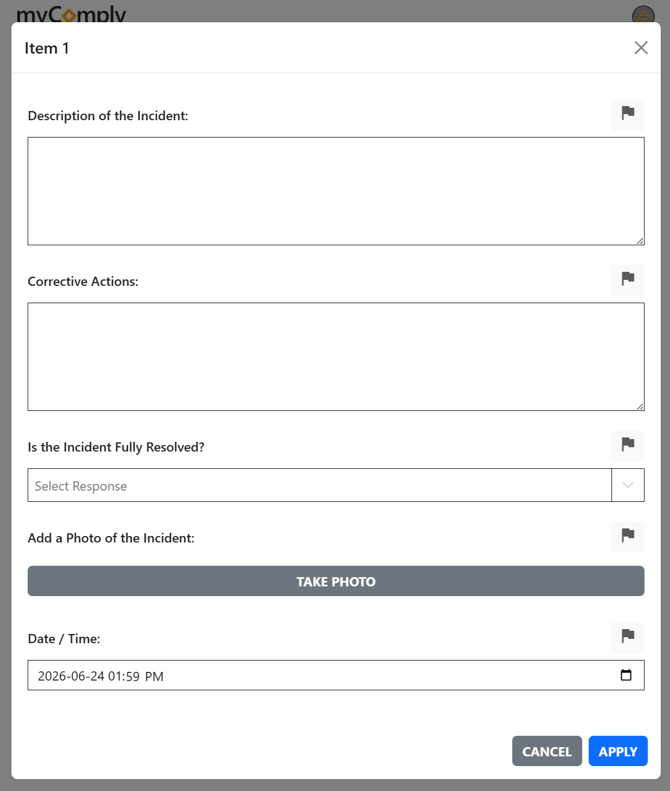
4) Fill out the questions in the pop-up:
5) Once the first item is added the form submitter can add additional ones by clicking Add New:
Creating a Table Section in a form
1) Change the section type to Table:
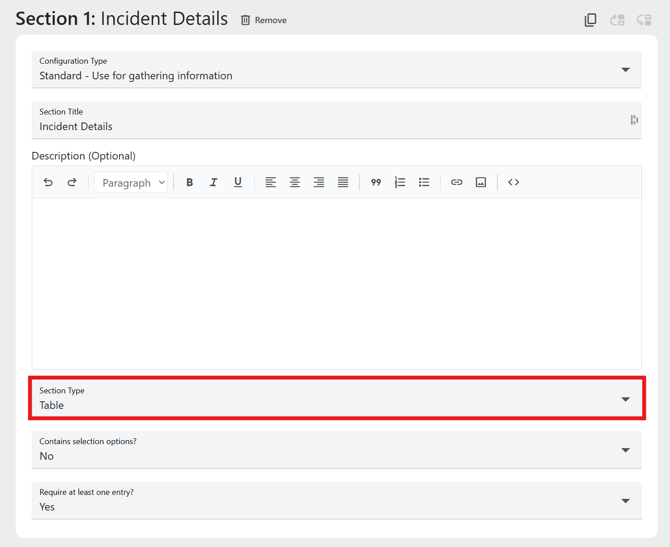
2) Click "Add Question" to add as many questions as you need to the repeating list:
3) When filling out this section of the Form, the submitter will click "Add New" and fill out the questions in the Table as many times as needed:
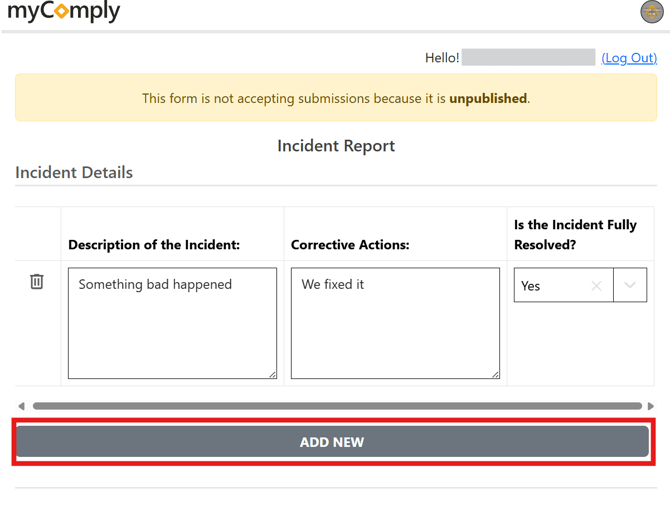 *Note: List views are much easier to fill out on a mobile device than Table views.