![Logo.png]](https://knowledgebase.mycomply.net/hs-fs/hubfs/Logo.png?height=40&name=Logo.png)
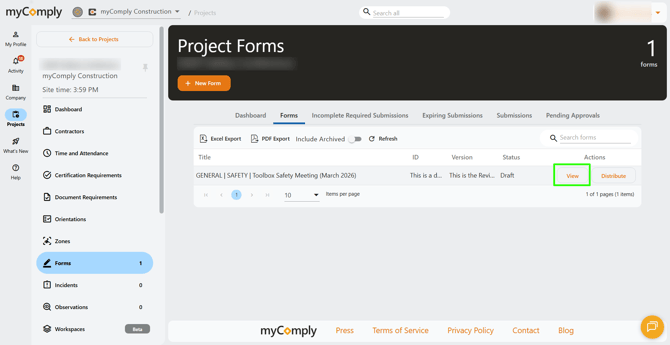
1) Go to your project, click on "Forms", then view the form you would like to copy.
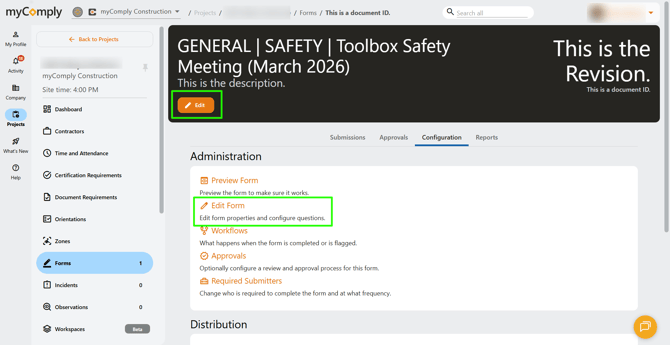
2) Go to the "Configuration" tab at the top of your screen, then click "Edit Form".
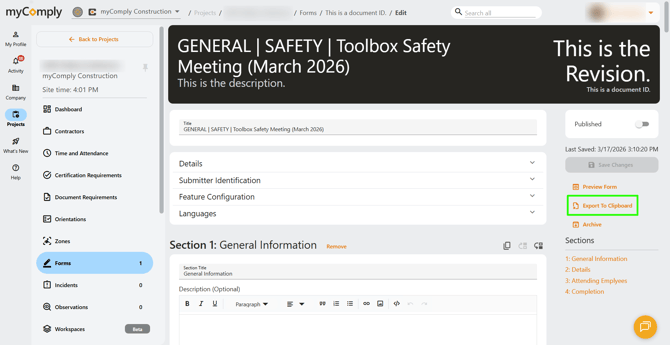
3) To copy the entire form, click "Export to Clipboard" on the right side of your screen.
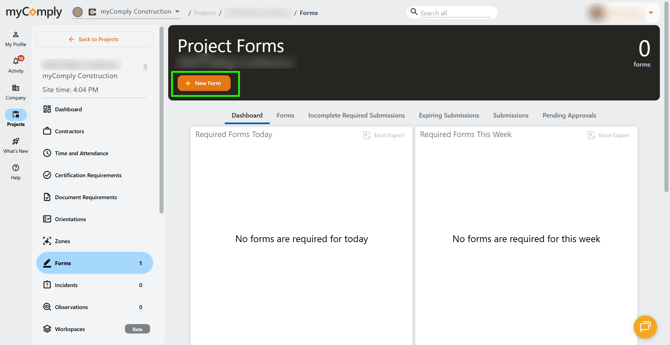
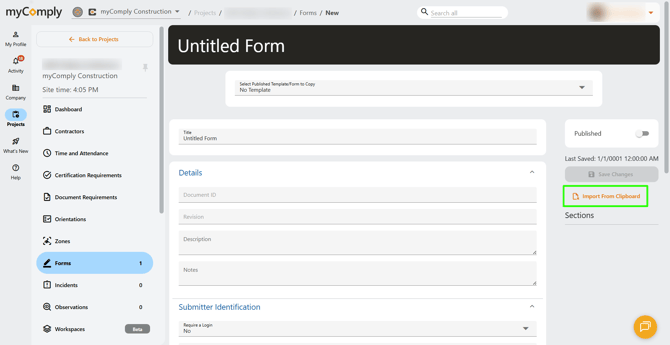
Go back to the "Forms" tab to create a new form, then click "Import from Clipboard".
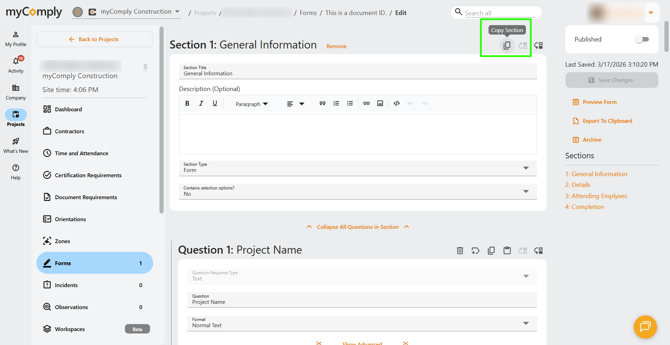
4) To copy a specific section of a form, click the "copy" button in the top right of that section.
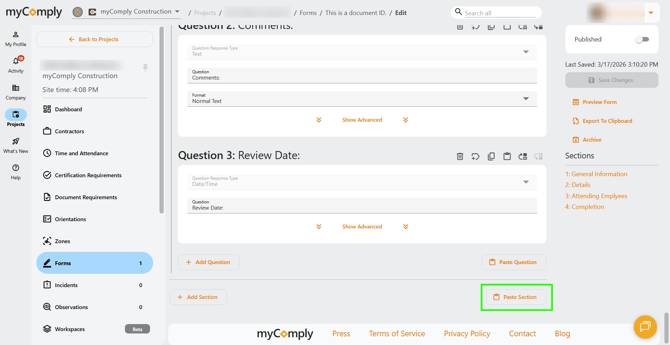
Then scroll to the bottom of a form and select "Paste Section".
5) To copy a specific question of a form, click the "copy" button in the top right corner of the question.
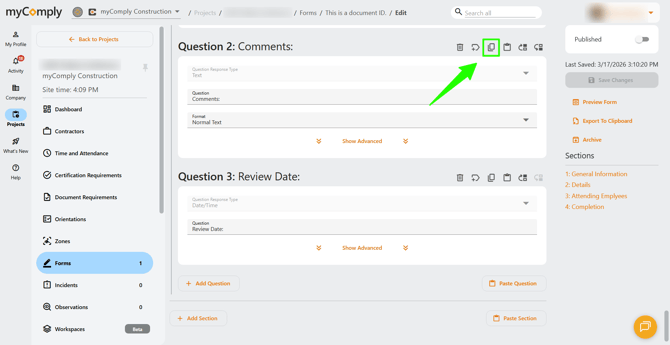
Paste the question either by selecting the "paste" button above a question, or by selecting "Paste Question" at the bottom of a specific section.

Note: sections and questions can be copy/pasted into the same form, or an entirely different form.