![Logo.png]](https://knowledgebase.mycomply.net/hs-fs/hubfs/Logo.png?height=40&name=Logo.png)
To add a custom field to your project:
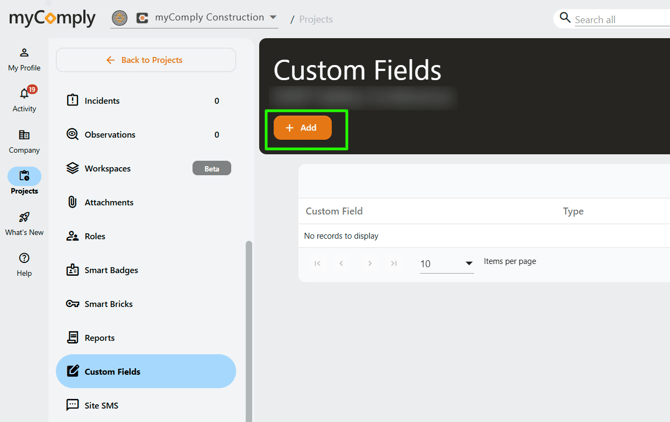
1) Navigate to the Projects tab, click on the relevant project name.
2) In the left navigation, click on "Custom Fields".
3) Click the orange "+ Add" button.
4) You can then name the custom field, indicate if it is required or optional, then what type of answer you require (text, number, yes/no, date, or multiple choice selection).
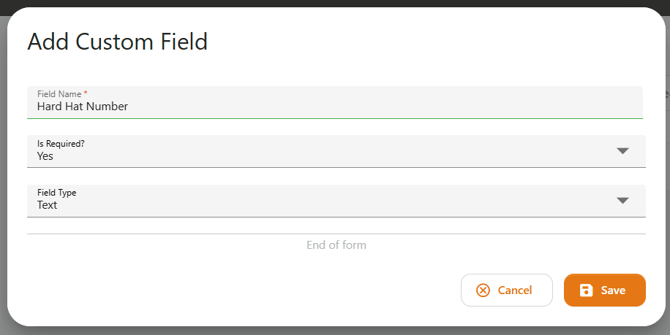
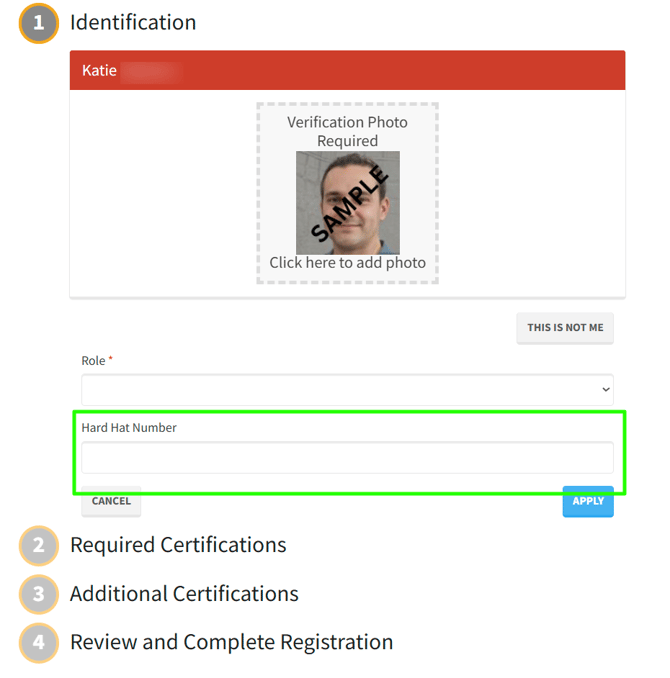
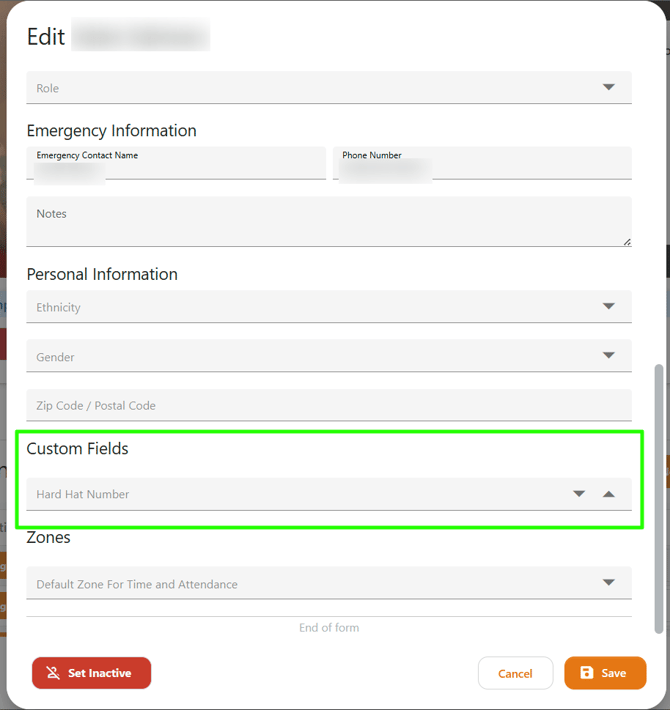
5) Click "Save" to finish. Your custom field will now appear in the employee intake during orientations, and also on the employee profile.