![Logo.png]](https://knowledgebase.mycomply.net/hs-fs/hubfs/Logo.png?height=40&name=Logo.png)
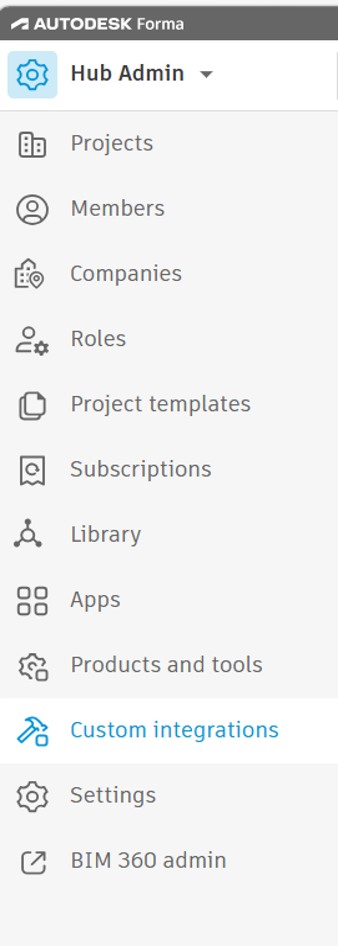
- Login to your Autodesk account and navigate to the custom integrations menu
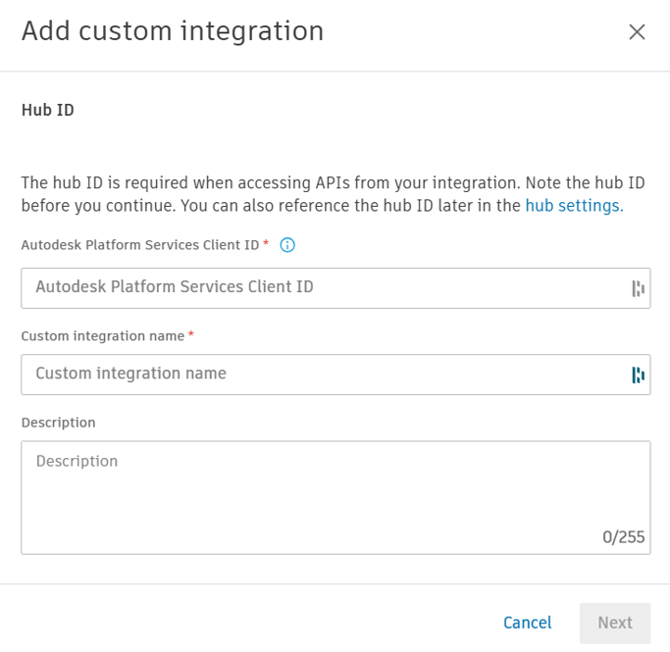
- Add myComply’s Autodesk Platform Services Client ID (EODOm5urtp7VvU96kqF4HgwzohoB1T5v) and a custom integration name of your choice.
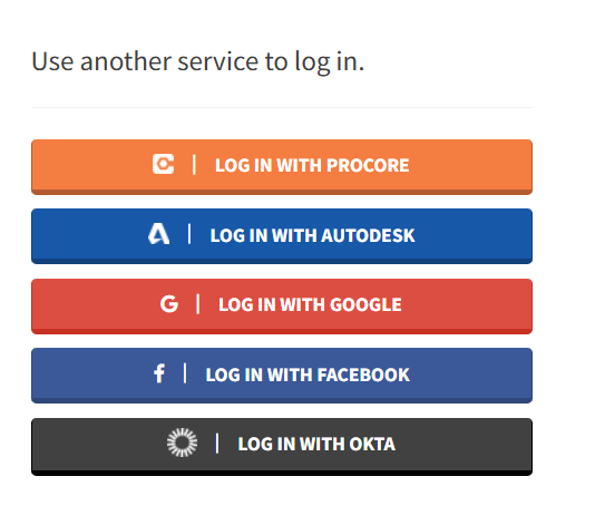
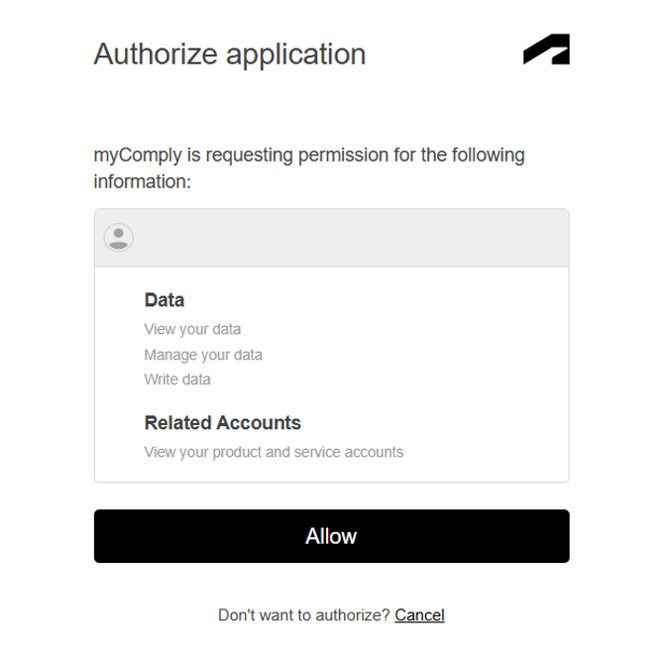
- On myComply (My Profile), login with Autodesk and authorize the myComply application to view, manage and write data to your Autodesk account.
- After logging in to myComply, navigate to the company settings menu and click on integrations
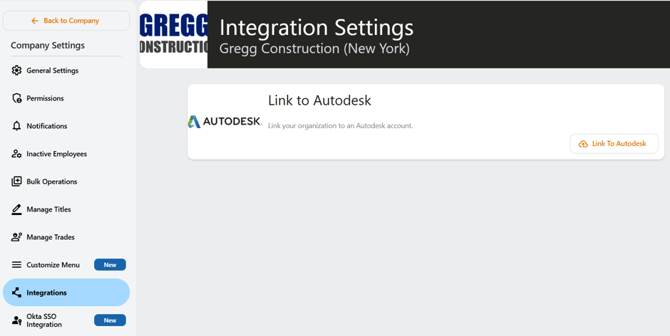
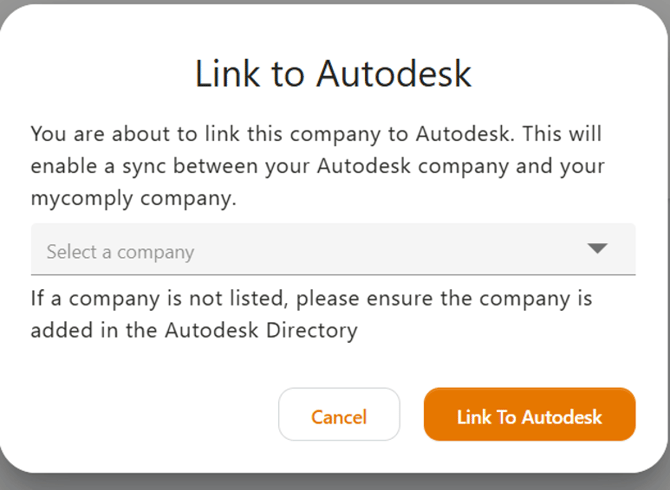
- On the integrations page, click the link to Autodesk button. Select your Autodesk company from the list of companies and click on the link to Autodesk button to integrate.