![Logo.png]](https://knowledgebase.mycomply.net/hs-fs/hubfs/Logo.png?height=40&name=Logo.png)
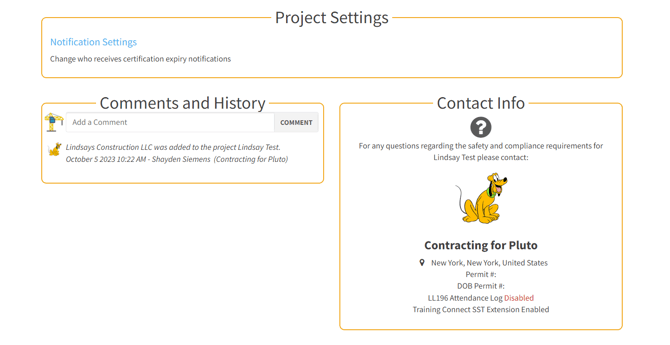
Under the Projects tab, click on a project then scroll to the bottom of the page. Under "Project Settings", click the blue "Notification Settings" text. You can specify who receives certification expiry notifications (please note the worker must be an admin to appear in the available list). There is also a Contact Info card with General Contractor information.